
Table of Contents
The web design ecosystem is currently flooded with automated “AI website builders” that promise to launch a business site in 30 seconds. If you have spent any time testing them, you already know the disappointing reality: most of them spit out generic, rigid templates that look like basic PowerPoint slides from 2012. They lack the style, visual depth, and custom layout controls that modern brands require.
Then there is Framer.
Framer has established itself as the ultimate no-code canvas for elite designers, creative agencies, and fast-moving startups. Instead of boxing you into rigid grid lines, it treats web design like a freeform canvas, behaving almost exactly like Figma, but outputting raw, production-ready code.
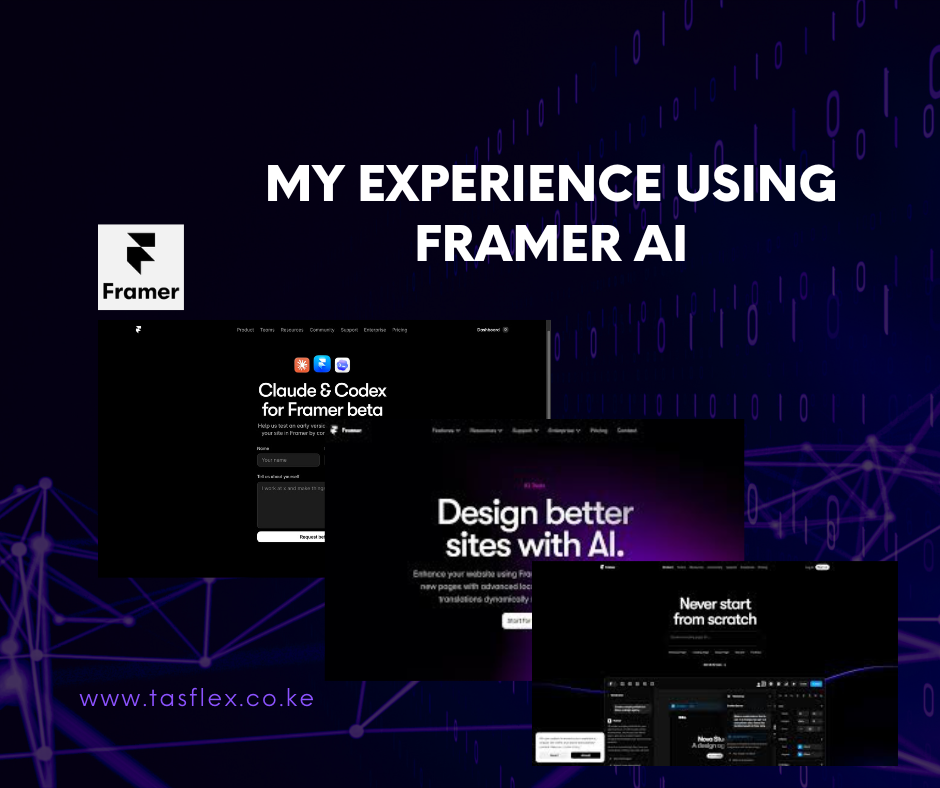
With its major 2026 feature updates, Framer has deeply integrated artificial intelligence into its workspace through tools like Wireframer and Workshop. We spent weeks stress-testing these systems on real client mockups to see if they live up to the massive hype.
Whether you are looking to deploy a new creative portfolio or build a high-performance landing page, here is our completely honest, unfiltered review of Framer AI in 2026.
First Impressions: The Figma-to-Code Model Shift
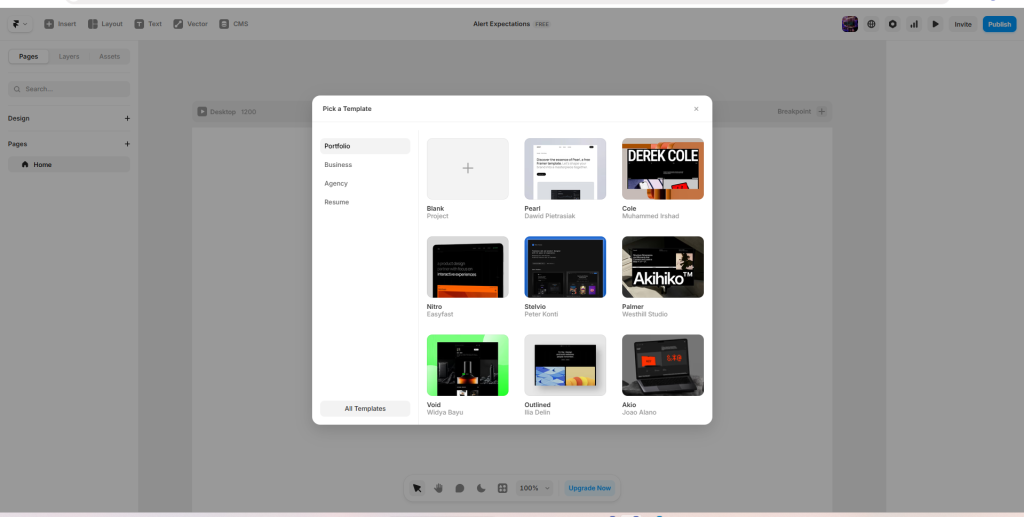
If you are a traditional WordPress or Wix user, opening Framer for the first time will feel like stepping into a spaceship. There are no drag-and-drop structural blocks or column percentage selectors. You are presented with a completely open, pixel-perfect visual environment.
For anyone who designs layouts in Figma, the learning curve is practically non-existent. You can copy a layout section directly inside Figma and paste it straight onto the Framer canvas. Framer automatically interprets the layers, absolute positioning, and layout rules, converting them into live HTML and CSS.
The AI Features Tested: Gimmick or Game Changer?
Framer doesn’t just use AI to write generic paragraphs. It leverages machine learning to automate the tedious parts of spatial layout, responsive design, and component interaction. Here is how its core AI layers performed under real-world testing conditions:
1. Wireframer: The End of the Blank Page
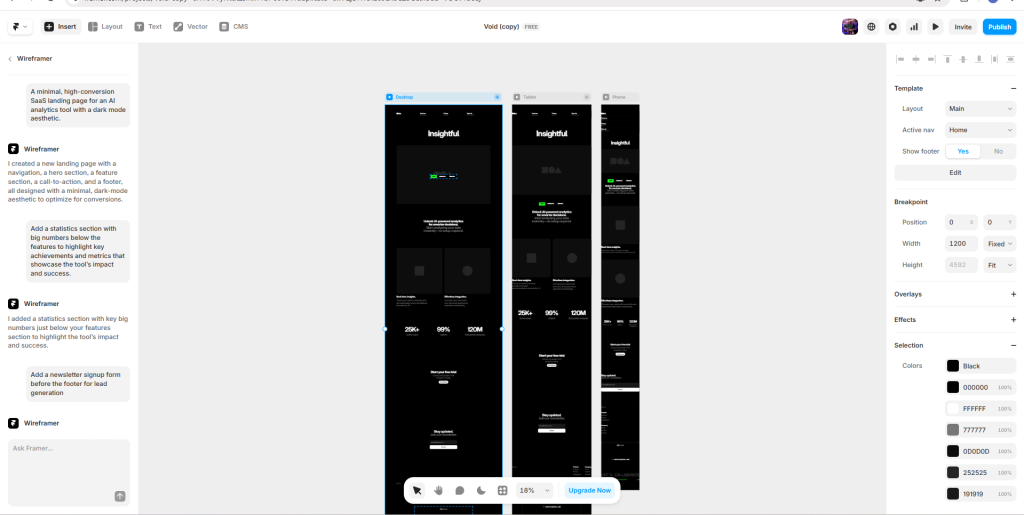
Instead of staring at an empty white screen trying to map out a header structure, Framer’s Wireframer allows you to type a natural-language prompt to construct your structural core. We tested the prompt: “A minimal, high-conversion SaaS landing page for an AI analytics tool with a dark mode aesthetic.”
- The Result: In roughly 15 seconds, Framer generated a complete multi-section layout containing a navigation header, an oversized hero section, a pricing grid, and an interactive FAQ layer.
- The Verdict: It isn’t final, client-ready production art out of the box, but as a rapid prototyping engine, it is incredible. It sets up proper responsive breakpoints (Desktop, Tablet, Mobile) automatically, saving you hours of manual layout adjustments.
2. Workshop: Component Logic Without Code
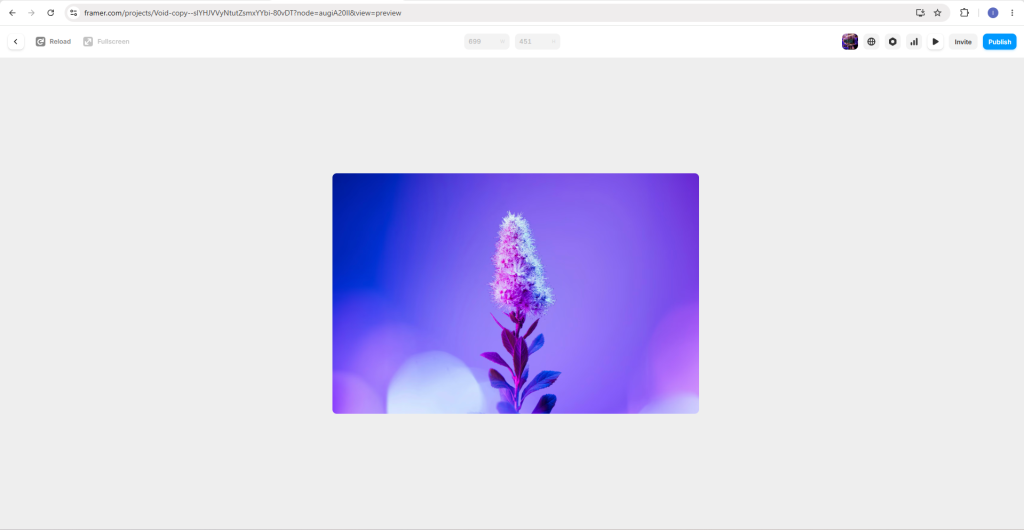
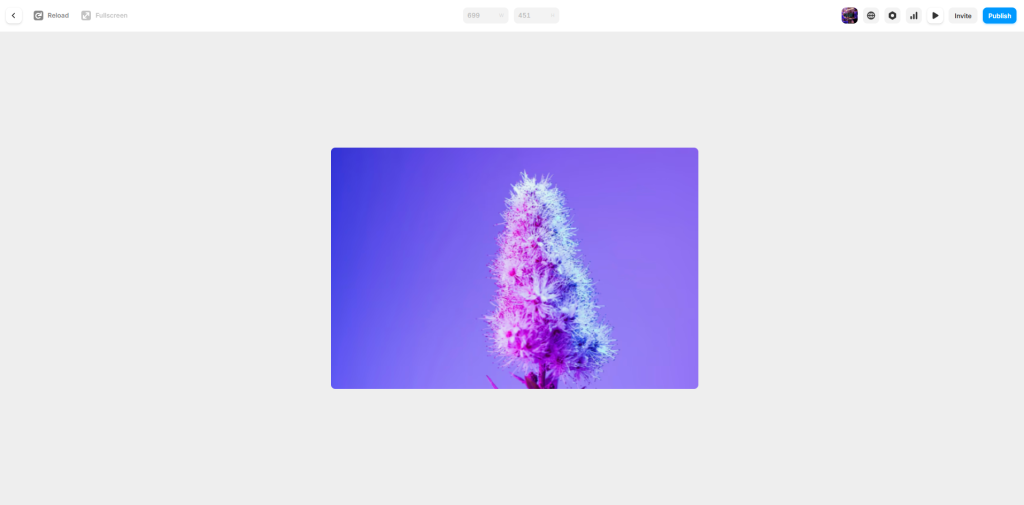
Historically, adding custom web interactions like an animated image carousel, a dynamic slider, a custom cookie banner, or an advanced button hover state, required custom JavaScript or external plugins.
Framer’s Workshop AI generates these micro-interactions directly from text descriptions. We asked it to create a “hover-to-magnify product gallery preview with smooth easing transitions.” The AI generated the component logic instantly, attaching it cleanly to our asset folder without requiring a single line of custom programming.
3. Modern Tech Additions: The MCP Ecosystem
For advanced users in 2026, Framer now supports the Model Context Protocol (MCP). This lets you connect development editors (like Cursor or Claude Desktop) directly to your live Framer CMS and project directory.
Instead of opening the visual editor to fix minor metadata mistakes one by one, we ran an automated prompt: “Scan my entire blog collection, find missing alt text on images, and draft matching SEO metadata.” The AI completed a massive technical audit in under ten minutes, a process that used to take hours of manual clicking.
Real-World Performance, Speed, and SEO
A beautiful design is a financial failure if it loads slowly or drops off search rankings. To evaluate Framer’s structural integrity, we ran our generated test sites through Google Lighthouse metrics.
| Performance Category | Framer Out-of-the-Box Score | How Framer Achieves It |
| Page Load Speed | 96 / 100 | Powered by high-speed AWS hosting infrastructure and automated asset delivery networks. |
| Mobile Optimization | 94 / 100 | Visual breakpoint systems keep interactive blocks fluid on smartphone screens. |
| SEO Base Structure | 98 / 100 | Semantic HTML tags, clean sitemap generation, and easy meta description mapping. |
Because Framer serves all published pages over a global Content Delivery Network (CDN), your visitor traffic hits optimized edge servers instantly. To compare how this native infrastructure matches up against standalone security frameworks, read our guide on how to speed up and secure your website using a CDN.
What We Loved vs. Where Framer Falls Short
No web builder is completely flawless. To maintain absolute honesty, let’s look at the clear advantages and structural limitations we encountered.
The Pros:
- Total Design Freedom: You are never locked into a template grid. If you can imagine a layout or interactive flow, you can visually construct it.
- Hardware-Accelerated Motion: Framer handles web animations beautifully. Transitions, parallax scrolls, and hover effects run smoothly without lagging local mobile devices.
- Turnkey Landing Pages: For launching marketing campaigns quickly, it is arguably the fastest design-to-publish tool on the market today. If you want to see how Framer compares against other mainstream tools, look over our ranking of the best website builders for small businesses.
The Cons:
- Steep Learning Curve for Absolute Beginners: If you do not understand basic design principles like paddings, layout constraints, and visual hierarchy, Framer will feel incredibly frustrating. If you want a simpler overview of alternative AI tools, check our field test on the top 5 AI website builders we recommend.
- Add-On Pricing Escalates Quickly: While the base plans are reasonable, extra operational features add up fast. Adding multi-language localization features or adding extra editor seats for a collaborative team can scale your monthly bill rapidly.
- Not Built for Large E-Commerce: While it handles basic product links and small digital downloads easily, it lacks the inventory management engines required to power massive retail storefronts.
The Verdict: Should You Use Framer AI in 2026?
Framer is the absolute best no-code website builder available today for designers, agencies, SaaS startups, and high-end service businesses who want their websites to look premium, dynamic, and elite. Its AI implementation acts as a powerful design assistant that eliminates blank-canvas anxiety and speeds up production cycles.
However, if you are an absolute beginner looking for a basic template, or a writer looking for a heavy content blog platform, the visual control layout might be overkill for your daily workflow.
If you are planning to build an online portfolio to land premium direct clients, Framer is a fantastic choice. Ensure your layout matches the authority required to close deals by following our structural blueprint on how to build a professional portfolio.